


Tile all your maps at once, using automated tools, to unlock a faster workflow.

Watch how to create configurators from scratch using .ply, .obj, .fbx files.


Access a library of production-ready, photorealistic PBR material assets.
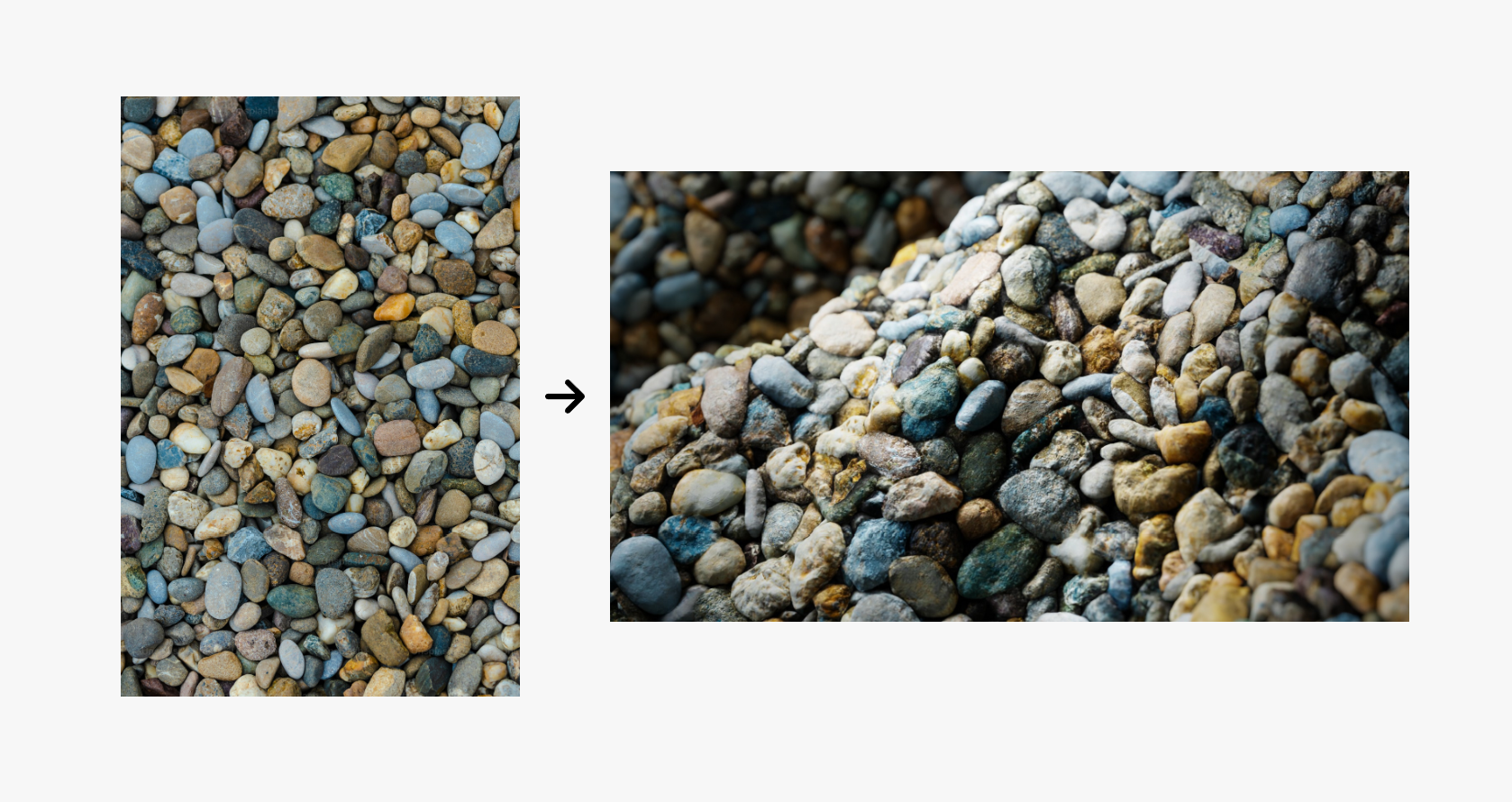
Generate unique materials and realistic textures instantly using AI-powered material synthesis.
Stop fighting with seams, folds, and uneven lighting. Our platform features an integrated suite of automated operators designed to turn imperfect photos and raw scans into high-end, seamless PBR texture sets. Whether you’re a solo artist or a studio, you can now process, clean, and tile your materials without ever leaving your browser.
Below, you will find a YouTube playlist detailing a tiling done on the colormass platform from beginning to end.
Introducing a suite of powerful tiling tools designed to revolutionize material tiling:
and many other. Check out the documentation to learn more about these features.
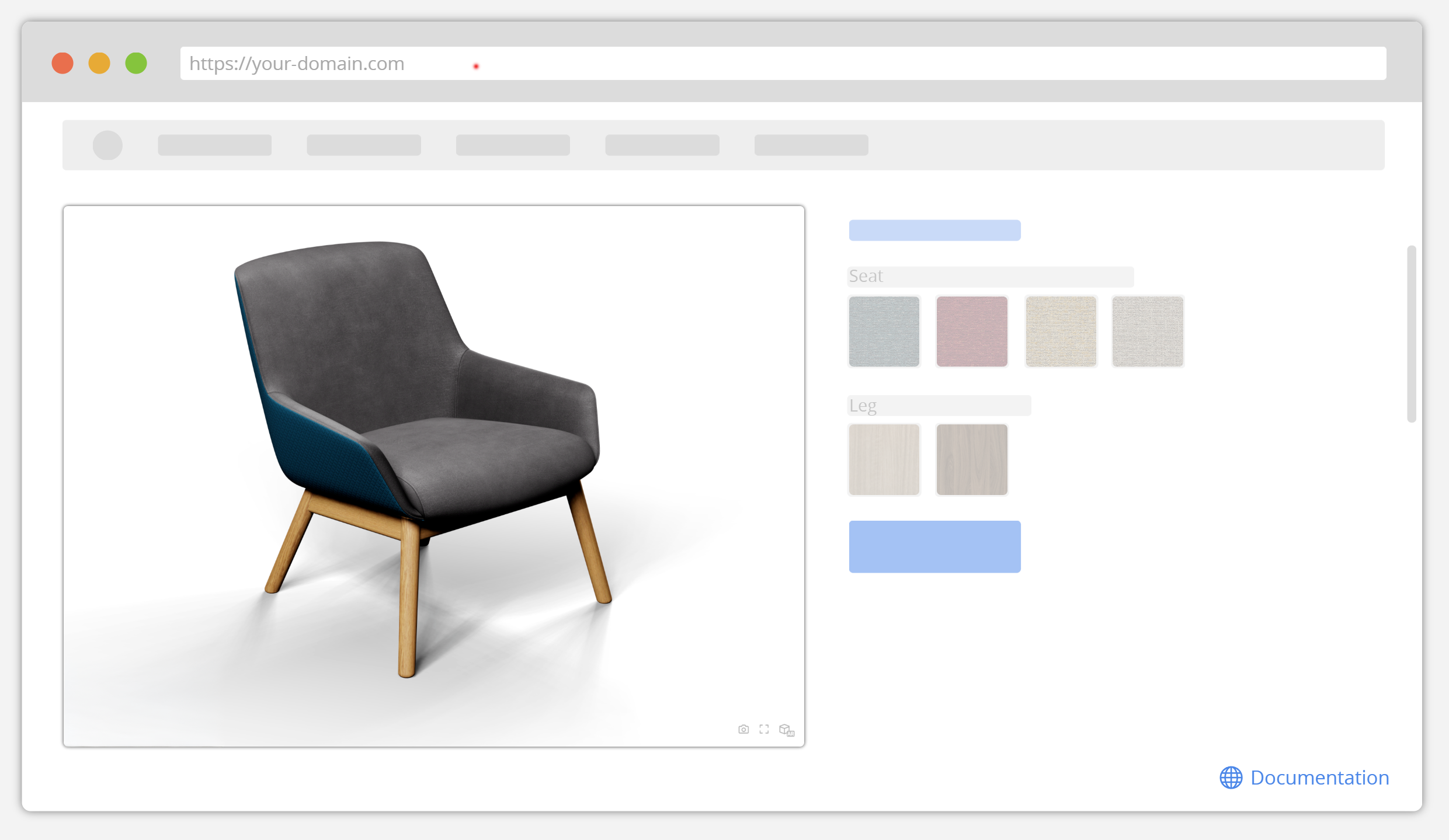
Drop in your preferred 3D or CAD formats, then use our visual editor to bring the product to life. You can easily tweak material definitions, manage component visibility, and set up your camera constraints all in one place.
Check out the quick video below to see a simple upload in action.
No coding required. Grab your custom embed link, paste it into your website builder, and your configurator is ready for your customers to use.
However if you want more advanced integration (to be able to style and control the UI however you want) you can check the more advanced API and Web Components documentation here.



CONFIGURATOR
Transform your product displays with the colormass configurator, designed to effortlessly navigate complex variations through the backend editing capabilities. Seamlessly integrates with a wide array of web and ecommerce systems through the colormass API.
"For 3D visualization, the quality and detail delivered by colormass are unmatched. Their agile approach continuously improves their process, and we are constantly surprised and awed by the visualizations we produce with them. Our clients are too."


You can scan materials with the colormass scanner but if you prefer you can also upload your own scans (Vizoo or AXF) in an automated way or create materials completely from scratch.
As you can see in the above video, colormass platform offers an online material node editor so that you can edit/adjust your materials in a very flexible way.
To learn more visit our documentation page about the online 3D CMS.

DATA EXPORTER
Seamlessly export 3D geometry and 3D material details, and essential data for streamlined integration into your workflows. See how the biggest manufacturers already use the Data Exporter module to simplify and scale their data distribution strategies.
"Colormass is an industry leader in material capture, 3D rendering and visualization technology with hardware and software solutions that allow us to accurately and beautifully represent our product catalog online."


.svg)


